WhatsApp Login: Simple Ways to Access WhatsApp on Any Device
WhatsApp Web, desktop app, and linked devices explained — plus how businesses should manage WhatsApp access across teams securely.

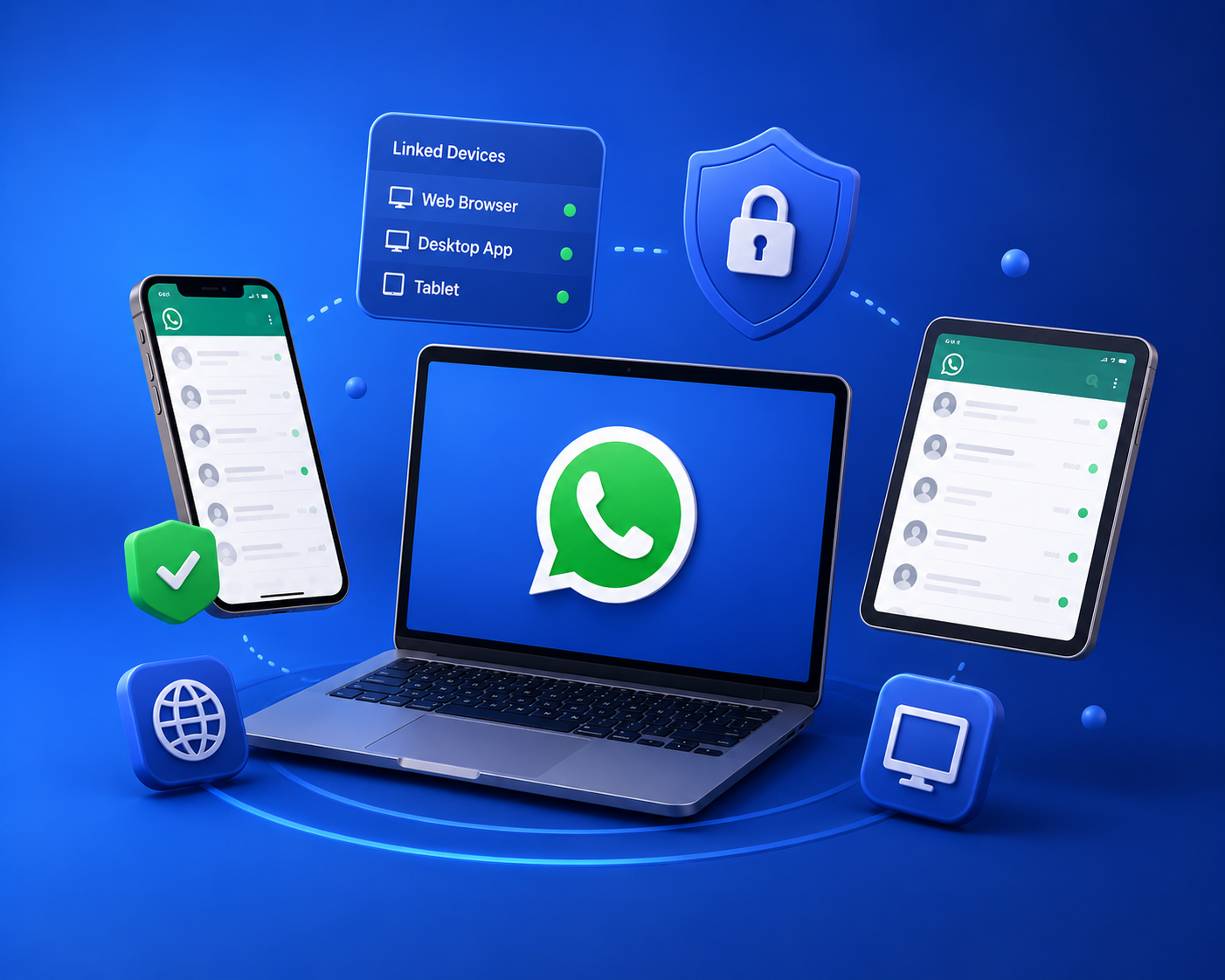
WhatsApp started as a phone-only app, but today you can access it on desktop, tablet, and through linked devices. For businesses, understanding login options matters — especially when multiple team members need to handle customer conversations.
Personal and Business App login options
- WhatsApp Web — scan a QR code at web.whatsapp.com to mirror your phone.
- Desktop app — download for Mac or Windows for a native experience.
- Linked devices — connect up to four companion devices without keeping your phone online (on supported versions).
Why businesses should not rely on phone-linked login
Logging into WhatsApp Web with a single phone works for solopreneurs, but it breaks down fast — one person holds the phone, there's no team visibility, and you can't automate or integrate. The WhatsApp Business API solves this by giving your whole team cloud-based access through a shared inbox.
The business-grade alternative
With Chatbot.Team, your team logs into a web dashboard — not a phone-linked session — and manages WhatsApp, Instagram, and RCS conversations together with roles, assignment, and full automation support.

.png)
+2.png)
.png)