What Is the WhatsApp Business API? A Complete 2026 Guide
Everything growing brands need to know about the WhatsApp Business API — how it differs from the free app, what it unlocks, and how to go live without the guesswork.
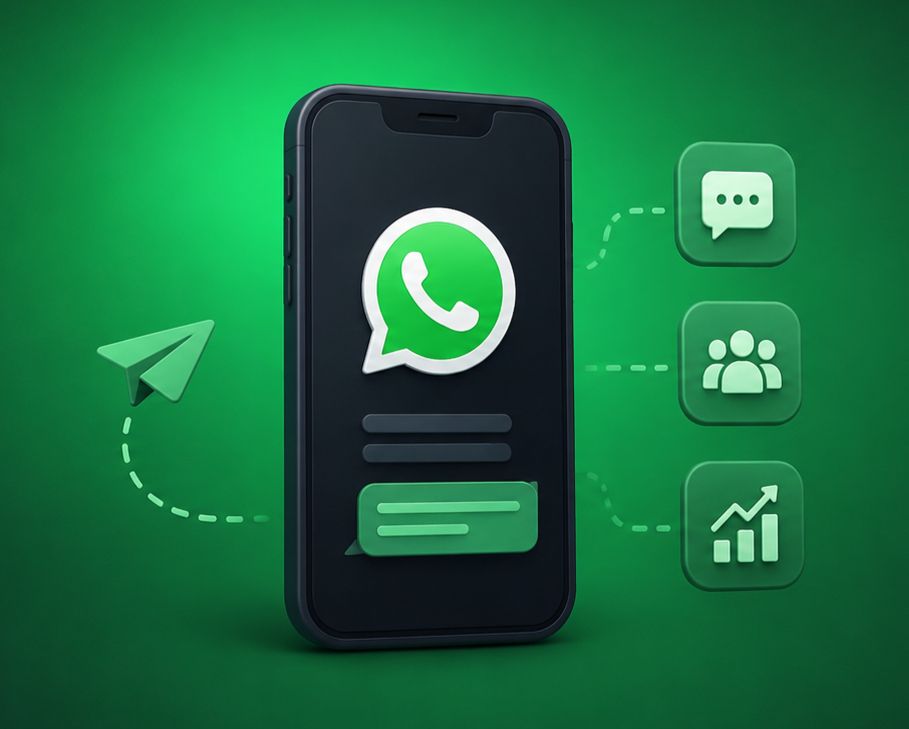
WhatsApp now connects more than two billion people, and a growing share of them prefer messaging a business over calling or emailing it. The WhatsApp Business API is what makes that possible at scale — it lets companies send notifications, run support, and automate conversations for thousands of customers at once. This guide breaks down what the API is, how it differs from the apps you already know, and how to launch it the right way.
The three flavours of WhatsApp
Before you choose a path, it helps to understand the three products Meta offers and who each one is built for.
- WhatsApp Messenger — the consumer app for personal chats. Not intended for business automation.
- WhatsApp Business App — a free app for very small businesses with a catalogue, quick replies, and away messages, all managed from a single phone.
- WhatsApp Business API — a programmatic interface for medium and large businesses that need automation, multiple agents, CRM integration, and high message volumes.
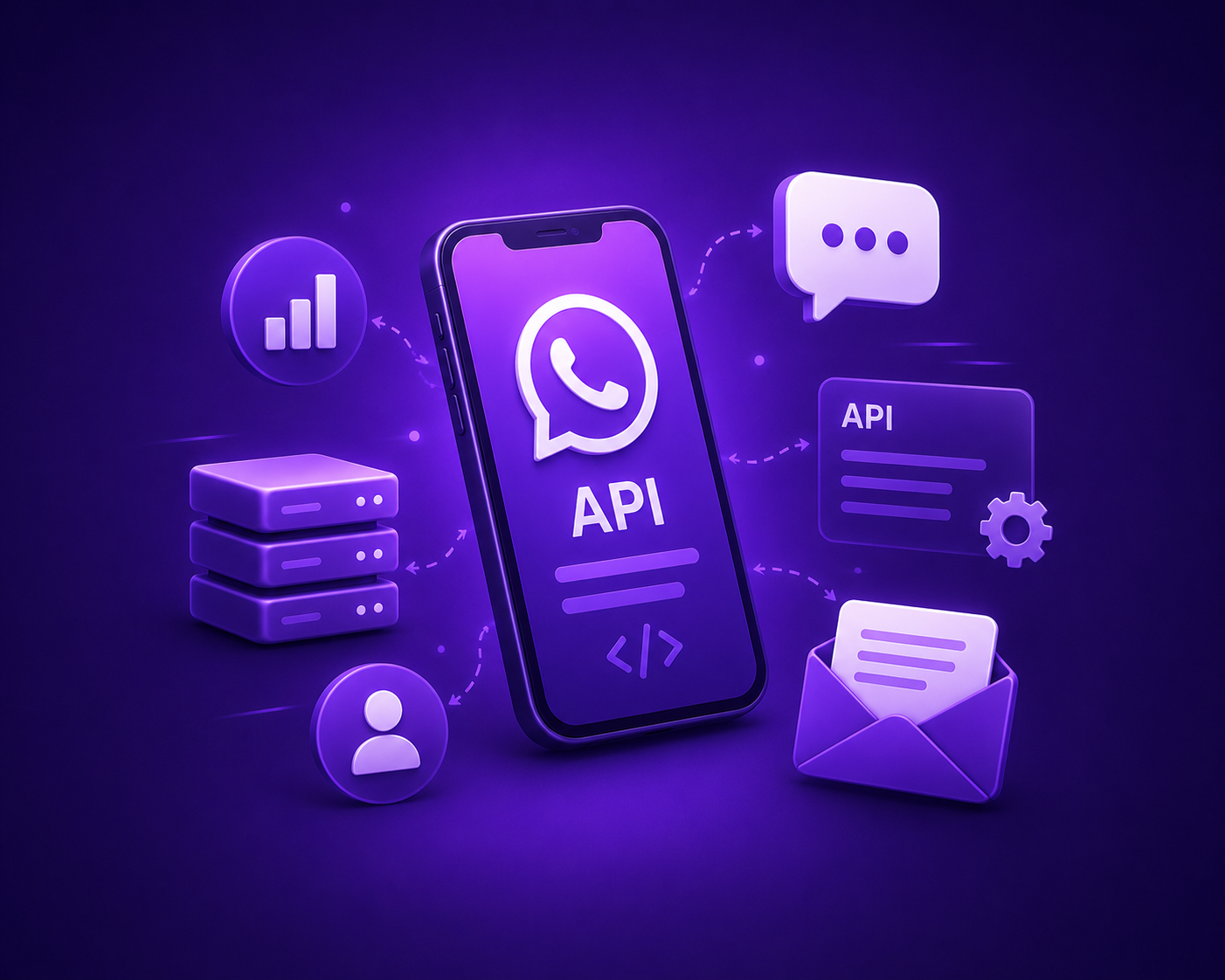
The API has no app of its own. Instead, you connect it to a platform like Chatbot.Team, which gives your team a shared inbox, chatbot builder, broadcast tools, and analytics on top of the raw API.
What the WhatsApp Business API unlocks
- Automated notifications such as order confirmations, shipping updates, payment reminders, and appointment alerts.
- AI chatbots that answer FAQs, qualify leads, and route complex chats to a human instantly.
- A multi-agent team inbox so several support reps can handle conversations under one number.
- Broadcast campaigns sent to opted-in audiences using pre-approved message templates.
- Rich media — images, PDFs, location, buttons, and product catalogues inside the chat.
- Deep integrations with your CRM, e-commerce store, payment gateway, and helpdesk.
Message templates and the 24-hour window
Business-initiated messages must use templates that Meta approves in advance — this keeps spam off the platform. Once a customer messages you, a 24-hour 'customer service window' opens during which you can reply freely with any content. After it closes, you return to approved templates. Designing a healthy mix of template and session messaging is one of the biggest levers for both cost and engagement.
How to go live in five steps
- Pick a Business Solution Provider (BSP) or platform partner to host your API access.
- Verify your business with Meta and connect a phone number that isn't tied to a personal WhatsApp account.
- Set up your display name, profile, and opt-in flows so customers can subscribe legitimately.
- Build your first templates, chatbot flows, and team inbox routing rules.
- Test end to end, then launch with a welcome journey and a clear escalation path to humans.
The brands that win on WhatsApp treat it as a two-way relationship channel — not a one-way megaphone.
Is it right for your business?
If you send more than a few hundred messages a month, need more than one person answering chats, or want to automate repetitive conversations, the API pays for itself quickly. Smaller teams can start with the free Business App and graduate later. Either way, the direction of travel is clear: customers increasingly expect to reach businesses where they already chat.
+2.png)
.png)