How to Send a WhatsApp Broadcast (Bulk Messaging) the Right Way
Bulk messaging on WhatsApp can scale your reach or get you banned. Here's how to run compliant, high-converting broadcasts to thousands of customers.
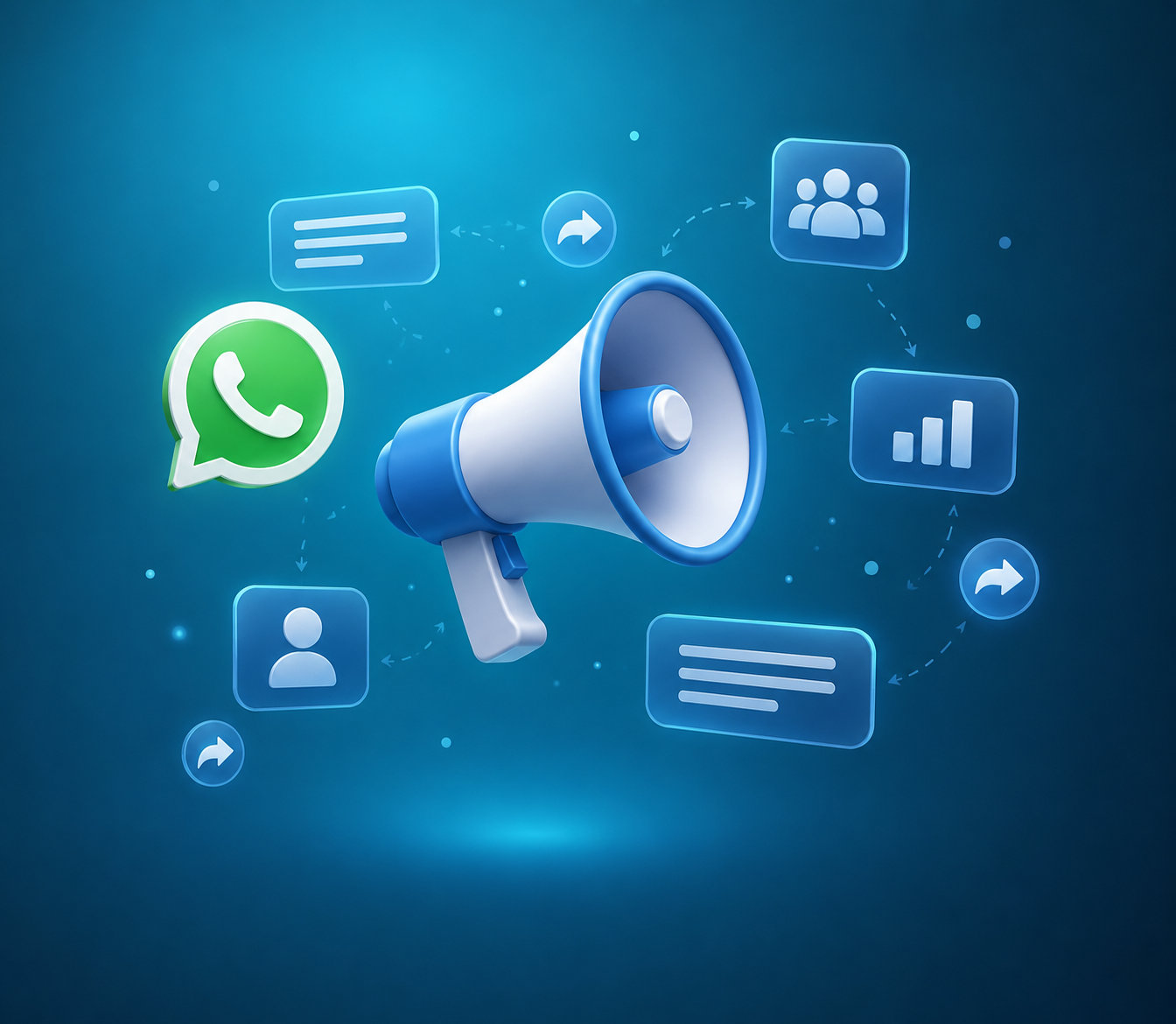
A WhatsApp broadcast lets you send the same message to many contacts at once, with each person receiving it as a private one-to-one chat. Done well, it is one of the highest-ROI channels in marketing. Done badly, it gets your number flagged. Here's the right way to do it.
Broadcast list vs. the Business API
The free WhatsApp Business App has 'broadcast lists', but they cap at 256 recipients and only reach people who saved your number. For real scale — thousands of contacts, analytics, and templates — you need the WhatsApp Business API through a platform like Chatbot.Team.
Step-by-step: a compliant broadcast
- Collect opt-ins. Only message people who agreed to hear from you.
- Segment your audience so the message is relevant to each group.
- Create a message template and submit it to Meta for approval.
- Personalise with variables like name and order details.
- Schedule or send, then monitor delivery and read rates in real time.
What gets you banned (avoid these)
- Messaging people who never opted in.
- Sending purely promotional blasts with no opt-out.
- High block and report rates, which lower your quality rating.
- Misleading template content that doesn't match what was approved.
Your sender quality rating is an asset. Protect it like you'd protect your domain reputation in email.
Tips for higher conversions
Lead with a clear benefit in the first line, use a single strong call to action, add a product image or button, and send at times your audience is actually active. Then let a chatbot handle the replies so interested customers get an instant response instead of waiting in a queue.
.png)
+2.png)
.png)
.png)