How to Use WhatsApp for Ads in 2026 (Click-to-WhatsApp Guide)
Click-to-WhatsApp ads turn ad spend into real conversations. Learn how to set up, target, and automate WhatsApp ad campaigns that convert.
.png)
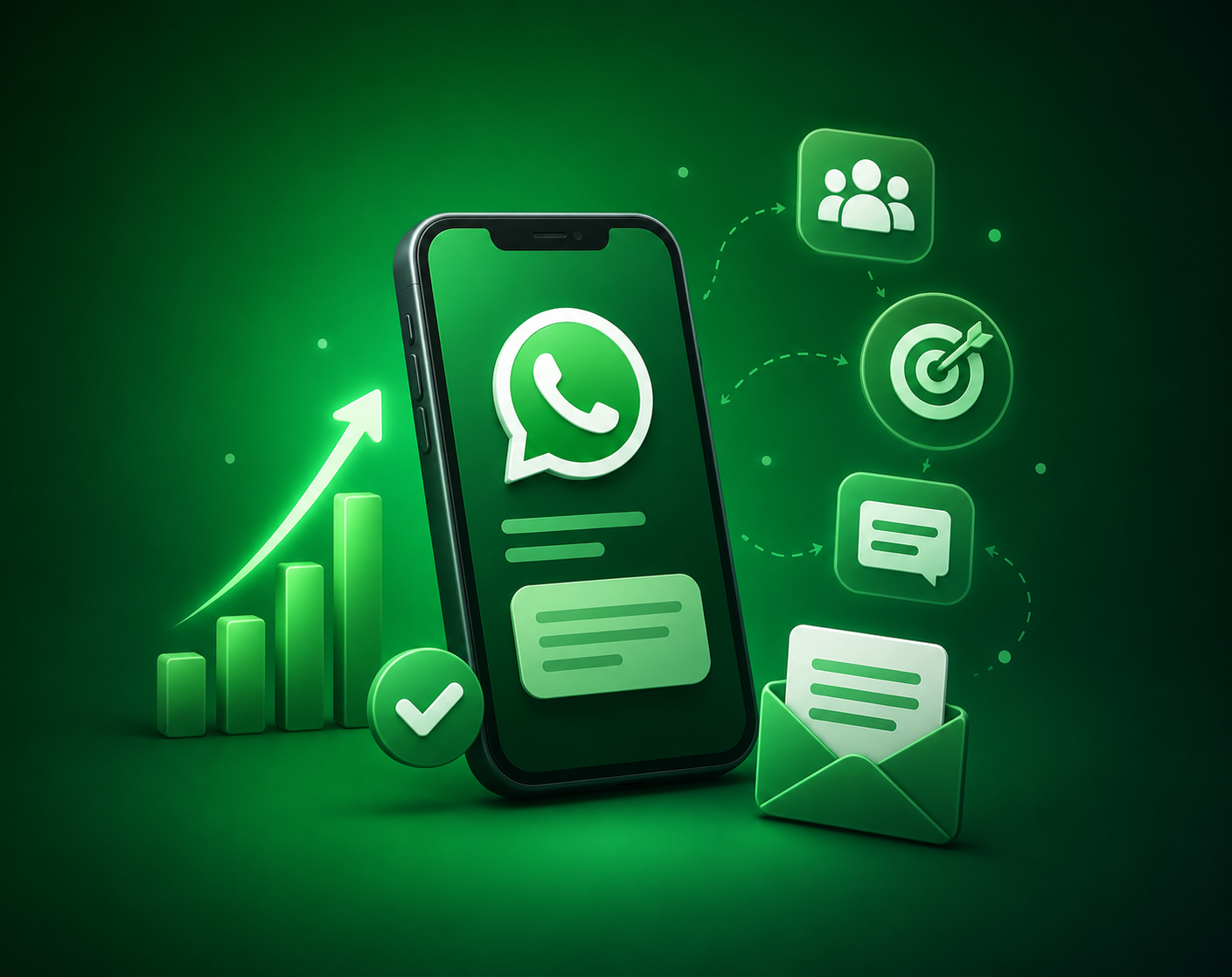
Click-to-WhatsApp ads are one of the highest-intent ad formats on Meta — instead of a landing page, users tap and land directly in a WhatsApp chat with your business. That cuts friction dramatically and pairs perfectly with automated qualification flows.
Setting up Click-to-WhatsApp ads
- Connect your WhatsApp Business number to Meta Business Manager.
- Create a campaign in Ads Manager with the 'Engagement' or 'Leads' objective.
- Select 'Send WhatsApp message' as the conversion location.
- Write ad copy that sets expectations for what happens after they tap.
- Launch and route incoming chats through a chatbot for instant response.
Optimising for conversions
- Use a welcome chatbot that qualifies the lead in the first 30 seconds.
- Match ad creative to the first message the user sees in WhatsApp.
- Track cost per conversation, not just cost per click.
- Retarget users who started a chat but didn't complete the action.
A Click-to-WhatsApp ad without automation is a missed opportunity — speed wins the conversation.
Chatbot.Team connects your WhatsApp API, chatbot flows, and team inbox so every ad click gets an instant, on-brand response — day or night.
.png)